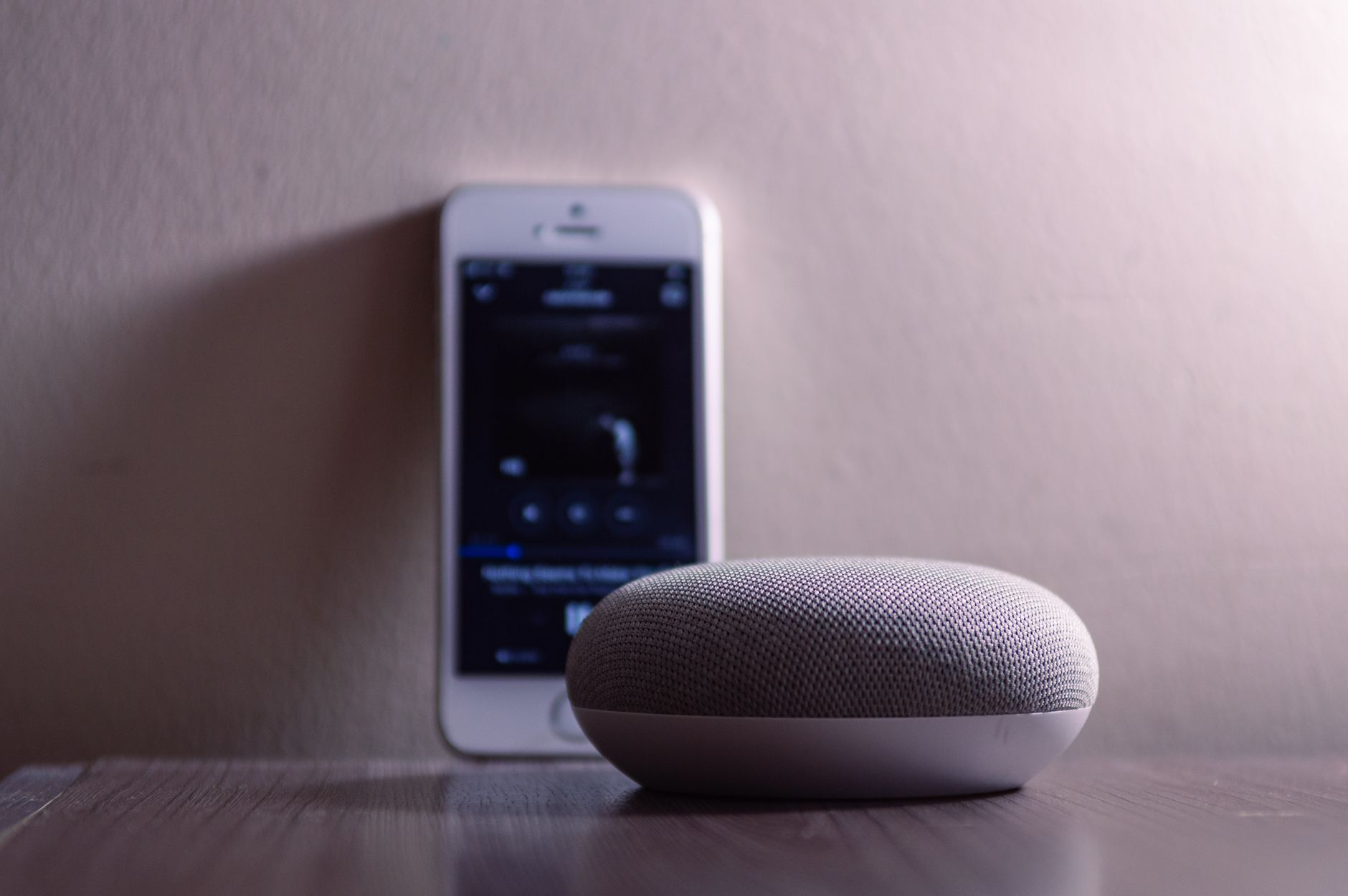
Amazon Echo (with Alexa) and Google Nest (with Google Assistant) are the two dominant smart speaker platforms. For seniors considering a voice assistant for aging in place, choosing between them matters — the platforms have real differences in ease of use, ecosystem compatibility, and specific features relevant to older adults. Here is an honest comparison.
Amazon Echo vs Google Nest for seniors, side by side
| Amazon Echo (Alexa) | Google Nest (Assistant) | |
|---|---|---|
| Best for | Reminders, routines, the widest device support | Natural spoken questions, Google-account users |
| Video calls to family | Echo Show + Drop In — the screen auto-answers | Nest Hub Max + Google Duo |
| Medication reminders | Built-in, repeatable daily | Set through routines |
| Ease for a first-timer | “Alexa, call my daughter” — very simple | Similar, a little more setup |
| Screen option | Echo Show 8 / 10 (~$90–150) | Nest Hub / Hub Max (~$100–230) |
How to actually choose
- Want the simplest “answer the video call”? The Echo Show with Drop In — family can appear on screen and the senior doesn’t have to press anything.
- Loves asking questions out loud? Nest tends to answer general questions more naturally.
- Already deep in one ecosystem? Match it — but for a brand-new user, the Echo Show is usually the gentler start.
Quick answers
Which is easier for someone who has never used a smart speaker? The Echo Show — Drop In means a relative can start a video call and it answers automatically, so there’s nothing to learn.
Do they need a smartphone? No. A speaker works on its own; a phone only helps for the initial setup.
Why Voice Assistants Matter for Aging in Place
A voice assistant is the central hub of a smart home. It controls smart lights, locks, and thermostats; makes hands-free phone calls; sets reminders; and answers questions. For seniors with limited mobility, arthritis, or vision problems, being able to do all of this by voice — without operating a smartphone or reaching a switch — is a meaningful independence gain.
Ease of Use
Amazon Echo / Alexa: Alexa has a slight edge in simplicity for straightforward tasks. The wake word “Alexa” is distinct and rarely confused with normal conversation. Setup is guided by the Alexa smartphone app. For basic commands — “Alexa, turn on the kitchen light” or “Alexa, call my daughter” — it is highly reliable and consistent.
Google Nest / Google Assistant: Google Assistant’s natural language understanding is generally superior — it handles more conversational phrasing and follow-up questions better. However, the wake word “Hey Google” or “OK Google” can occasionally be triggered by TV or radio audio. For seniors who want to have more natural conversations or ask questions, Google Assistant often provides better answers.
Verdict: For seniors using it primarily for home control and calls, Alexa is slightly simpler. For seniors who want to ask questions and have more conversational interactions, Google Assistant is more capable.
Calling and Communication
Amazon Echo: Allows free voice and video calls to other Echo devices, the Alexa app on smartphones, or through Alexa Calling. “Drop In” feature allows family members to immediately connect without the senior needing to answer — useful for quick check-ins. Amazon Alexa Together is a specific service designed for senior care, providing activity alerts, reminders, and urgent response for $19.99/month.
Google Nest: Integrates with Google Duo/Meet for video calls. Can call US and Canadian phone numbers for free. Generally handles communication with existing contacts more seamlessly if the family uses Android and Google services.
Verdict: Amazon Echo has a slight edge for senior-specific features (Alexa Together, Drop In). Google Nest integrates better if the family is already in the Google ecosystem.
Smart Home Compatibility
Both platforms work with a vast range of smart home devices — most smart bulbs, locks, thermostats, and cameras support both Alexa and Google Assistant. The newer Matter smart home standard is supported by both, meaning most new devices work with either platform. Compatibility is rarely a deciding factor.
Display Models
Both Amazon (Echo Show) and Google (Nest Hub) offer smart displays — devices with a screen that shows visual information in addition to audio responses. These are particularly useful for seniors because they can display: weather and calendar information visually, incoming caller ID, video feeds from smart doorbells and security cameras, step-by-step recipe instructions, and video calls with family members. The Echo Show 8 and Google Nest Hub 2nd Gen are both well-regarded options in this category at $100-$130.
Which Should You Choose?
If the family primarily uses Amazon services, Android doesn’t matter much, and simplicity is the priority: Amazon Echo. If the family is Android/Google-ecosystem-focused, or if more natural language capability is important: Google Nest. If the senior lives alone and family check-ins are a key use case: Amazon Echo with Alexa Together. Either platform, starting with a basic $50 Echo Dot or Google Nest Mini is a low-risk way to try voice assistant technology before committing to a more capable display model.