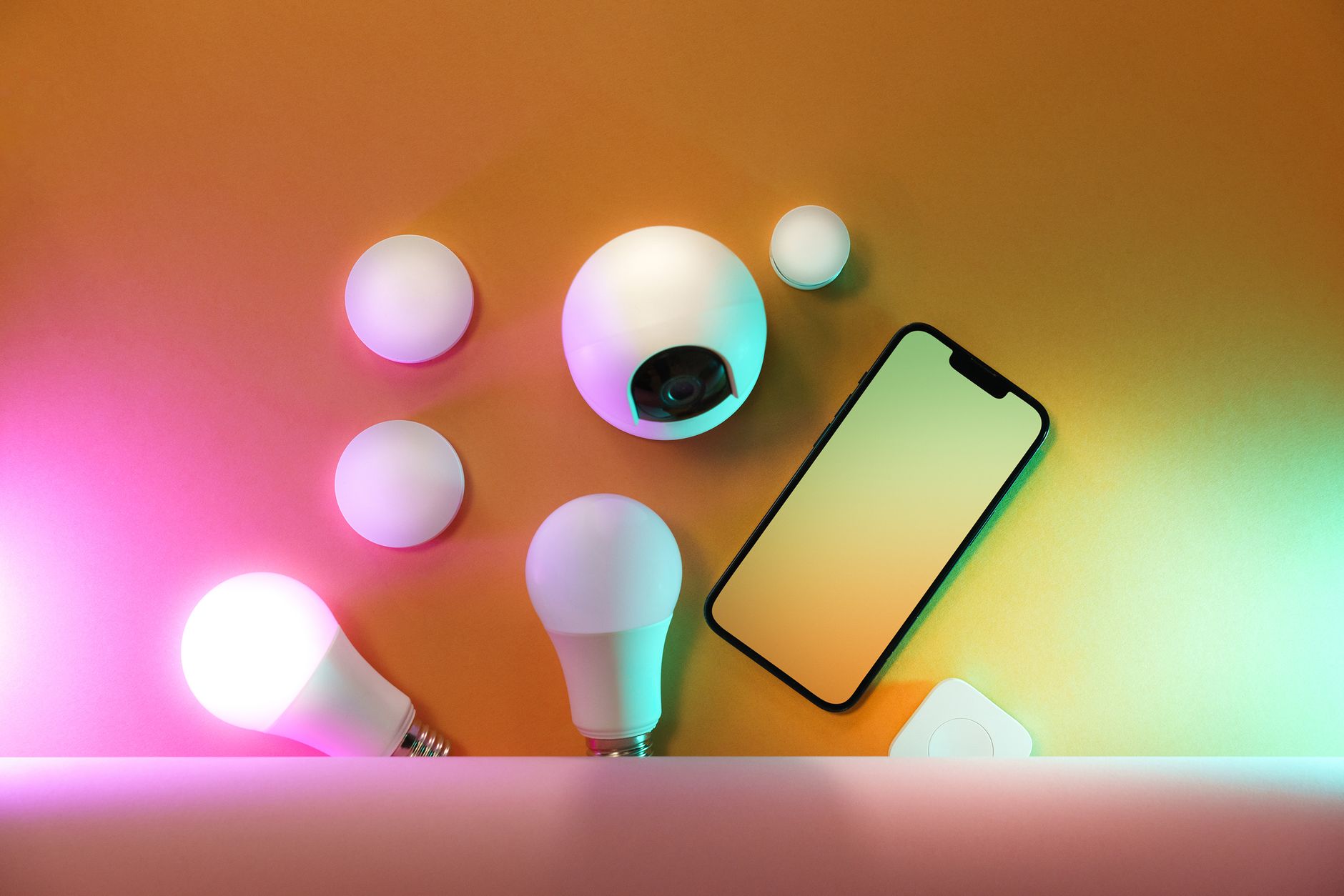
Voice-controlled lighting is one of the highest-value, most practical smart home upgrades for aging in place. Being able to turn lights on and off without walking to a switch, getting up from bed, or fumbling in the dark eliminates a surprising number of daily fall risks. This guide shows you exactly how to set it up — even if you are not tech-savvy.
Why Voice-Controlled Lighting Matters
Consider how often you turn lights on and off throughout the day: getting up at night to use the bathroom, turning off lights in another room without walking back, turning on lights when your hands are full carrying groceries, or turning on the bedroom light while still in bed. For seniors with limited mobility, balance issues, or arthritis, each of these moments carries a small but real fall risk. Voice control eliminates them entirely.
Motion-activated smart lights add another layer: lights that turn on automatically when you enter a room, without any command at all. This is particularly valuable for nighttime bathroom trips.
What You Need
A basic voice-controlled lighting setup requires three things: a smart speaker or display (Amazon Echo or Google Nest Hub), smart bulbs or a smart switch, and a WiFi router in the home. That is it. Most setups take 30-60 minutes and can be done by a family member or tech-comfortable friend.
Smart Bulbs vs Smart Switches: Which to Choose
Smart bulbs replace individual light bulbs. Each bulb has WiFi built in and can be controlled individually. Advantages: easy to install (screw in like a regular bulb), available in multiple colors and brightness levels. Disadvantage: if someone turns the light off at the physical wall switch, the bulb loses power and cannot be controlled by voice until the switch is turned back on. This can be confusing for seniors and other household members.
Smart switches replace the wall switch itself. The existing light bulbs stay in place. Advantages: works with any bulb, wall switch still functions normally, cannot be accidentally disabled. Disadvantage: requires more installation work (basic electrical work — safe for DIYers comfortable with this, or a quick job for an electrician).
Recommendation for seniors: Smart switches are generally better for senior households because they eliminate the “wall switch problem.” If easy installation is the priority, start with smart bulbs in key locations and use switch guards (covers that prevent accidentally switching off the wall switch) to keep them powered.
Step-by-Step Setup
Step 1: Choose your smart speaker. For simplicity, an Amazon Echo Dot ($50) is a good starting point. For visual feedback, the Echo Show 8 ($130) adds a screen that shows which lights are on.
Step 2: Set up the smart speaker. Download the Alexa app (or Google Home app), plug in the device, and follow the guided setup. This typically takes 10-15 minutes with the app’s step-by-step instructions.
Step 3: Install smart bulbs or switches. For smart bulbs: screw them in and download the manufacturer’s app to connect them to WiFi. For smart switches: turn off the circuit breaker, replace the existing switch, restore power, and connect via the app.
Step 4: Add the lights to Alexa or Google Home. In the Alexa app, go to Devices → Add Device, and follow the prompts to discover your new smart lights. Assign them to rooms (Kitchen, Bedroom, Bathroom).
Step 5: Test with voice commands. “Alexa, turn on the bedroom light.” “Alexa, turn off all lights.” “Hey Google, dim the living room to 50%.” Practice the commands with the senior until they feel natural.
Setting Up Schedules and Routines
Beyond voice control, smart lights can be automated: lights that turn on at sunset every evening, night lights that activate from 10pm to 7am, and morning lights that turn on gradually to help with waking. In the Alexa or Google Home app, these routines are set up in a few minutes and run automatically forever. This kind of “set it and forget it” automation is often the most valuable use of smart lighting for seniors.